

- Description
- Size Guide
- Reviews (0)
Description
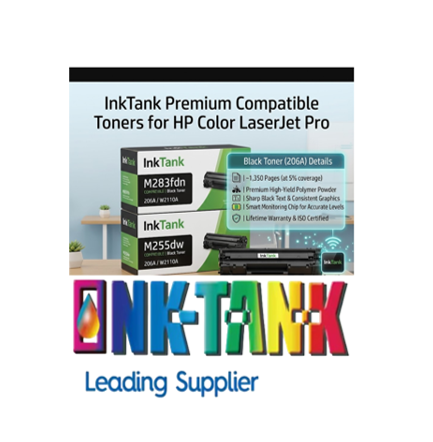
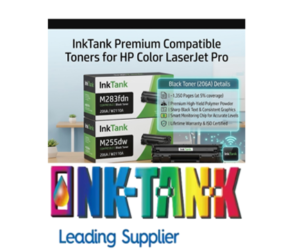
Premium Compatible HP 206A Black Toner Cartridge (W2110A) – 1350 Pages
High-Performance, Budget-Friendly Printing for Your HP LaserJet
Stop overpaying for crisp, professional black-and-white documents. Our Premium Compatible HP 206A Black Toner Cartridge (W2110A) is engineered specifically to deliver retail-quality prints at a fraction of the OEM cost. Designed for busy home offices, classrooms, and small businesses, this compatible cartridge offers a seamless drop-in replacement that matches original manufacturer standards for text sharpness, page yield, and machine reliability.
Whether you are printing daily invoices, multi-page corporate reports, or high-volume scripts, this compatible HP 206A cartridge ensures your workflow remains completely uninterrupted—all while lowering your overall cost-per-page.
Key Product Specifications
-
Cartridge Model: Compatible HP 206A Black (W2110A)
-
Page Yield: Up to 1,350 pages standard yield (at 5% page coverage)
-
Ink/Toner Color: Deep Black / Monochrome
-
Ink Type: Advanced polymer-based toner powder
-
Condition: Brand new, premium factory-certified compatible
-
Warranty: 100% Satisfaction Guarantee / Lifetime Shell Warranty
- Chip: This cartridge will have a micro chip on it
Complete Printer Compatibility List
This compatible HP 206A black toner cartridge is built to seamlessly interface with the following HP Color LaserJet Pro series printers:
-
HP Color LaserJet Pro Series: M255dw
-
HP Color LaserJet Pro MFP Series: M282nw, M283fdn, M283fdw
Tech Note: This cartridge installs just like an original HP tank. It slots directly into the monochrome tray slot without forcing or physical modifications to your printer housing.
Why Choose Our Compatible HP 206A Black Cartridge?
1. Razor-Sharp Monochrome Print Quality
Don’t compromise on professionalism. Our compatible cartridges utilize a premium, finely milled toner powder formulation. This ensures clean, dark text boundaries, smooth grayscale gradients, and solid fills without fading, streaking, or smudging. Your contracts, charts, and text documents will retain a sharp, smudge-resistant finish from page 1 to page 1,350.
2. Maximum Value and Smart Cost Savings
Original manufacturer toner can quickly drain an office budget. Our premium compatible W2110A cartridge cuts your printing expenses significantly without forcing a drop in quality. By switching to high-grade compatibles, you get identical page yields and crisp text densities, allowing you to reallocate your hard-earned budget elsewhere.
3. Smart Chip Integration Ready
Our compatible cartridges come equipped with a smart monitoring chip or are optimized for quick chip-transfers (depending on your selected batch), ensuring accurate tracking of toner consumption. You won’t be caught off guard by unexpected empty errors midway through a critical print queue.
4. Eco-Conscious, Reliable Engineering
Every unit undergoes rigorous factory testing under ISO 9001 and ISO 14001 quality management guidelines. Built using robust, premium component shells, our cartridges prevent internal leaks, roller damage, or premature clogging, ensuring your printer’s internal mechanisms stay clean and functional.
Frequently Asked Questions (FAQ)
Will using a compatible cartridge void my HP printer warranty?
No, absolutely not. Under consumer protection laws (such as the Magnuson-Moss Warranty Act), a manufacturer cannot legally void your equipment warranty simply for utilizing third-party or compatible consumables. Your printer remains fully protected.
What does “1,350 pages at 5% coverage” actually mean?
This is the standard industry metric used by all toner manufacturers (including HP) to measure cartridge life. A page with 5% coverage roughly equates to a standard short business letter or a brief invoice. If you regularly print dense graphics, large bold headers, or full-page spreadsheets, your total page count may vary accordingly.
How should I store my backup cartridge?
Because laser cartridges use dry polymer powder rather than liquid ink, they will not dry out or clog over time! Simply keep your spare cartridge in its sealed, moisture-proof protective bag, stored flat in a cool, dry place away from direct sunlight. It will remain perfect to use for years.
Step-by-Step Installation Guide
-
Open the front door or pull out the toner drawer access panel on your HP LaserJet printer.
-
Grasp the handle of the depleted black toner cartridge and pull it straight up and out.
-
Remove the new compatible HP206A cartridge from its protective packaging.
-
Gently rock the cartridge from side to side 5–6 times to evenly distribute the internal toner powder.
-
Remove the plastic protective cover and completely pull out the plastic sealing tape (if present).
-
Align the cartridge with the black slot guide tracks inside the printer, slide it firmly into place until it clicks, and close the access door.

| size | chest(in.) | waist(in.) | hips(in.) |
|---|---|---|---|
| XS | 34-36 | 27-29 | 34.5-36.5 |
| S | 36-38 | 29-31 | 36.5-38.5 |
| M | 38-40 | 31-33 | 38.5-40.5 |
| L | 40-42 | 33-36 | 40.5-43.5 |
| XL | 42-45 | 36-40 | 43.5-47.5 |
| XXL | 45-48 | 40-44 | 47.5-51.5 |
Be the first to review “Premium Compatible HP 206A Black Toner Cartridge (W2110A) – 1350 Pages”
Related Products
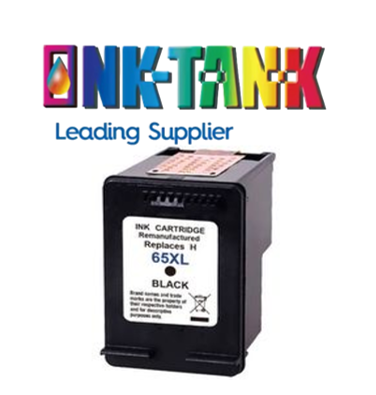
Compatible Hp65xl Black Ink Cartridge
$45.99 Incl GST
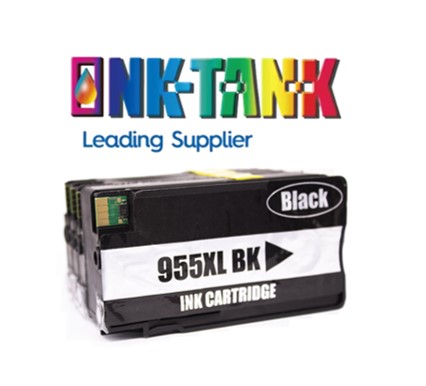
Compatible Hp955xl Black High Yield Ink Cartridge
$21.84 Incl GST
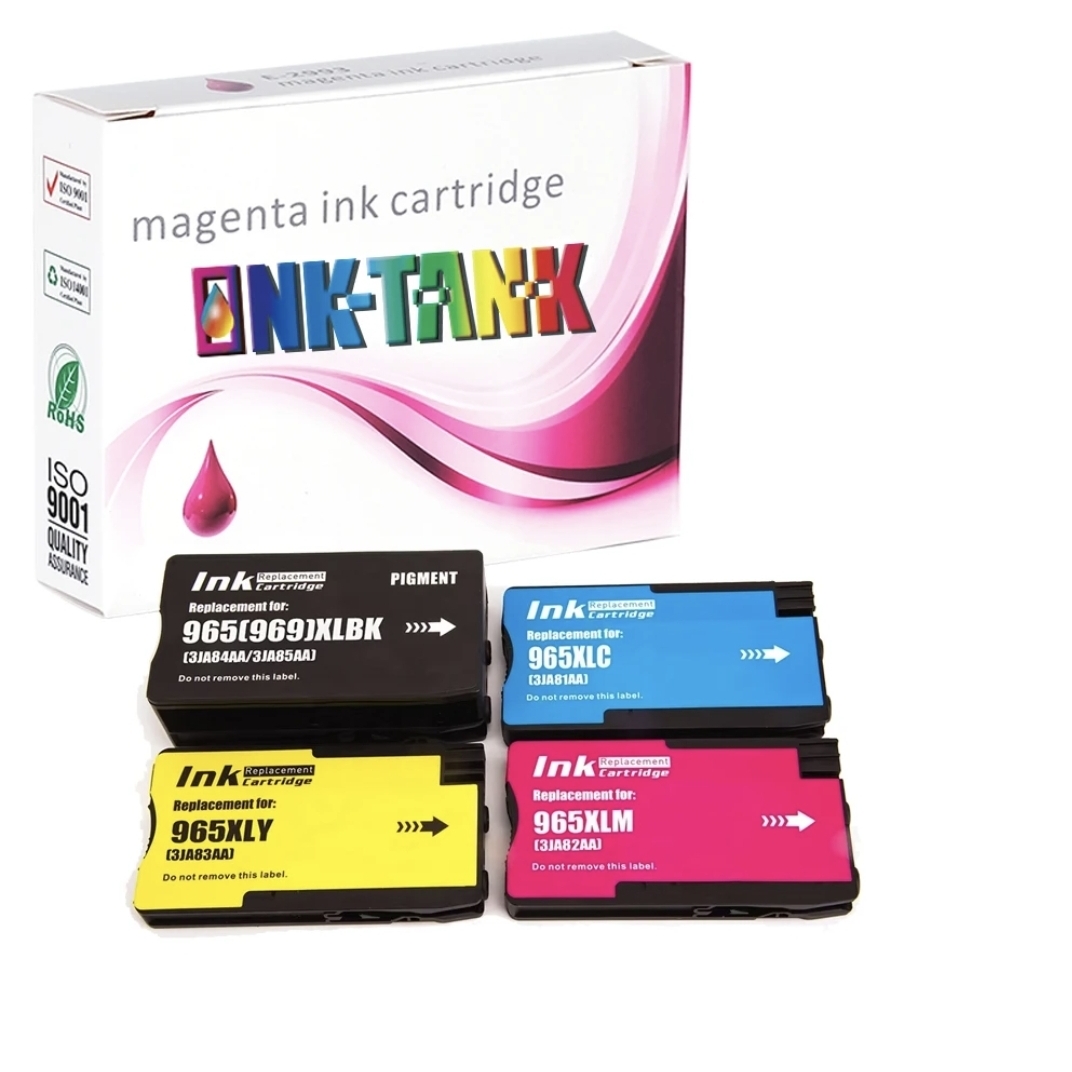
Compatible Hp965xl Ink Cartridges Combo 4 colours
$126.50 Incl GST
Compatible Hp975a Page wide Combo 4 Colors Cartridges
$446.20 Incl GST
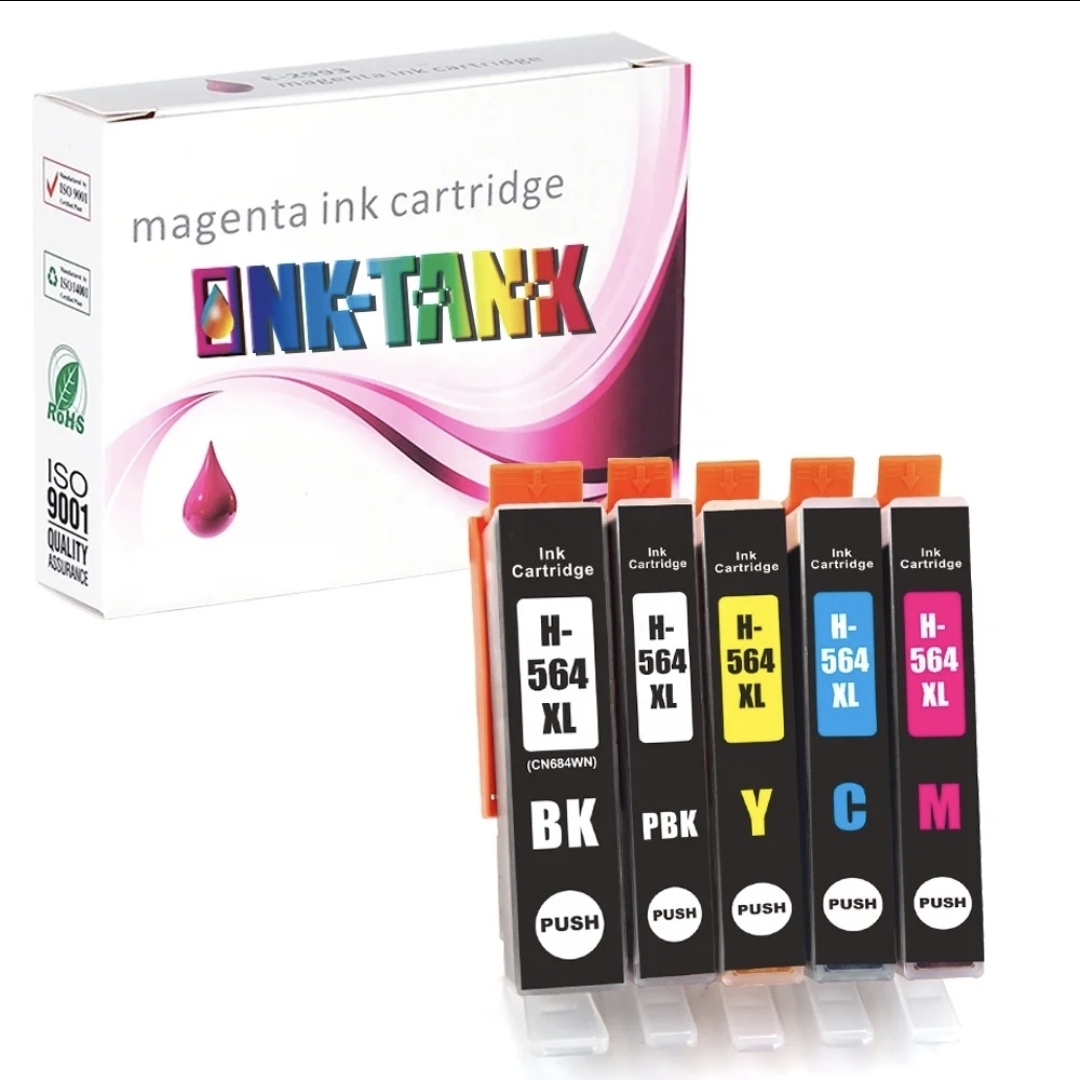
HP564XL Ink Cartridge Value Pack Compatible
$27.58 Incl GST
Reviews
There are no reviews yet.